

Reference

p661n App for Android and iOS

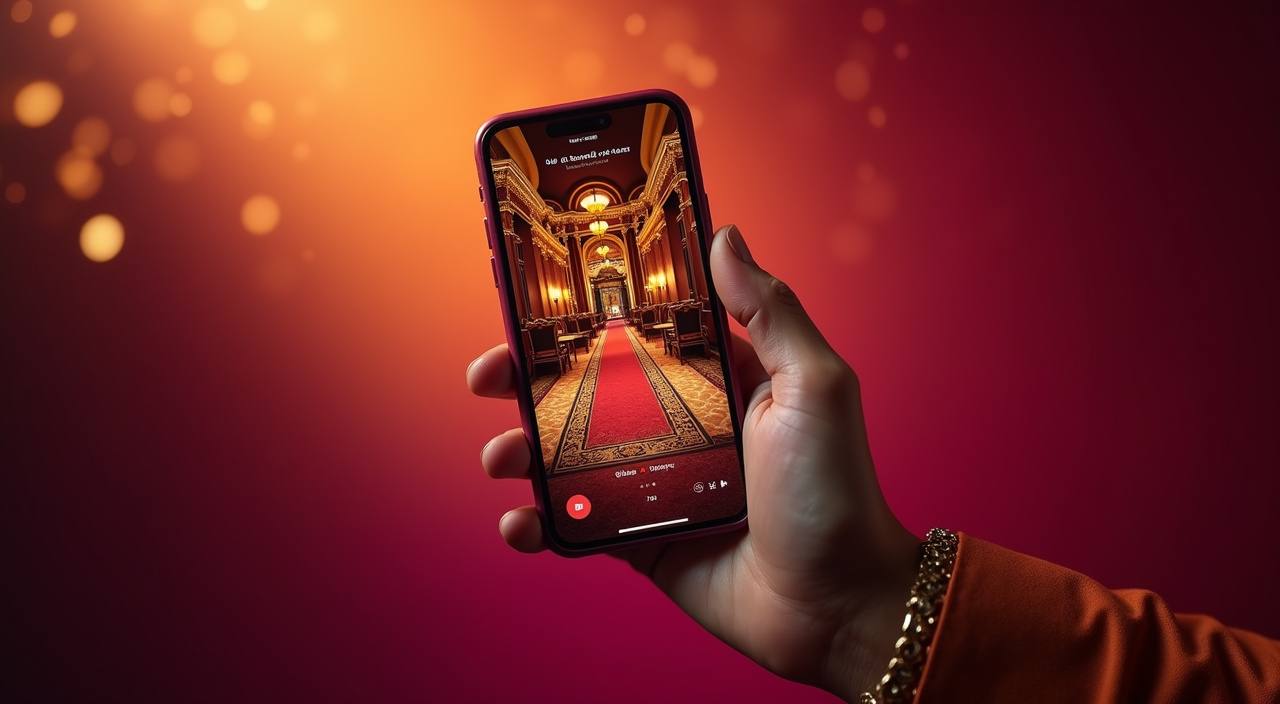
The p661n app brings the full lobby — live tables, slots like Sugar Rush and Spribe Aviator, and a sportsbook — straight to your phone, with UPI and…

Android APKiOS App StoreAPK 30 MBPush AlertsFingerprint Login
p661n p661n App for Android and iOS
p661n Live Tables and Slots Right in Your Pocket

Live Tables and Slots Right in Your Pocket

Open a live Turbo Blackjack table, spin Sugar Rush or Fishing God, or place a Football Strike bet — all from the same bottom navigation bar. The app adds things the mobile browser cannot: push notifications so you never miss a time-limited round, one-tap fingerprint login, and a quick-deposit sheet that pulls up UPI or Paytm without leaving the game screen. Your

betslip, account balance and transaction history are always one tap away, whether you're on 4G or a stable Wi-Fi connection.
APP FEATURE SET

Six Things the p661n App Does Differently

Every feature listed here ships in the current app build and is available on both Android and iOS.

Biometric Login Fingerprint and Face ID unlock your account in under a…
Push Notifications Get an alert the moment a new round opens on…
Dark Mode Switch the interface to dark mode in one tap from…
Offline Lobby Preview Browse game tiles, read paytables and check current live table…
Quick Deposit Sheet A swipe-up deposit sheet lets you fund your account via…
Fast App Launch Cold-start time from tap to lobby is under four seconds…
p661n Get the App Running in 3 Steps

Get the App Running in 3 Steps

Android installation uses our direct APK because Google Play policies restrict real-money apps. The process takes about 90 seconds on any Android 8.0+ device. iOS users download straight from the App Store — no side-loading required. Follow the steps below and you will be logged in before the next live Bingo round starts.

  • Download the APK (Android) or find us on the App Store (iOS) — Tap the download button on this page. Android users get a 30 MB APK file; iOS users are taken directly to the App Store listing.
  • Allow Installation from Unknown Sources — On Android, open Settings → Security → Install unknown apps, then allow your browser or file manager to install the APK. This is a one-time setting; you can turn it off afterwards.
  • Open the App and Sign In — Launch p661n, enter your account credentials or use biometric login if you have already set it up. The full lobby — slots, live tables, sportsbook — loads within seconds.
  • Enable Push Alerts — When prompted, allow notifications so the app can alert you to round openings, withdrawal status and account activity. You can adjust which alerts you receive in the in-app settings menu.

Android, iOS and Storage — What You Need

The p661n app is built to run on the wide range of devices common across India, from budget Android handsets to the latest iPhones.

Android VersionAndroid 8.0 (Oreo) or newer. Works on Android 8, 9, 10, 11, 12, 13 and 14.
iOS VersioniOS 13.0 or later. Compatible with iPhone 6S and all newer iPhone and iPod touch models.
RAMMinimum 2 GB RAM. For smooth live-table streaming during Turbo Blackjack or Football Strike rounds, 3 GB or more is recommended.
StorageAPK install footprint is 30 MB. The app uses up to 150 MB of cache over time; free at least 200 MB before installing.
Supported RegionsAvailable to accounts in Indian regions where local law permits real-money gaming. Access depends entirely on applicable local law in your state or territory.
INSIDE THE SCREENS

A Tour of the App Experience

Every screen in the p661n app is laid out for one-hand use. The bottom bar keeps you one tap from the slot lobby, live casino floor, sportsbook and…

p661n mobile gaming
Live lobby preview
Slot favourites shelf
Quick bet slip
Account and wallet access
Notification centre
Dark mode toggle
APP HELP CHANNELS

Get Help with the App Quickly

If the APK will not install, a live table freezes or your biometric login stops responding, our support team is reachable through three paths below.

In-App Live Chat Tap the chat bubble from any screen inside the app to reach a support agent. Average response time during peak hours is under three minutes. Agents can view your device model and app version to speed up diagnosis.
Email Support Send a detailed description of your issue — including your Android or iOS version and the exact error message — to our support address found in the app's Help section. Responses arrive within 24 hours.
Step-by-Step Install Assistance If you're stuck at the unknown-sources step or the APK won't open, share your screen via the chat session. An agent will walk you through device settings in real time until the app is running.
APP TRUST SIGNALS

Why the p661n App Is Safe to Install

We sign every APK release with a verified developer certificate. The file you download from p661n.com is the same signed binary delivered to all users — never modified by a third party.

Signed APK Only

Every Android release is code-signed by p661n's developer certificate. Your device checks the signature on install; a tampered file will be rejected automatically before it ever runs.

No Third-Party App Stores

We do not distribute through unofficial APK repositories. The only source for the Android file is p661n.com, and iOS users go directly to the Apple App Store listing under our developer account.

TLS Encryption on All Traffic

Every packet between the app and our servers — game data, account balances, deposit requests — travels over TLS 1.3. There is no plain-text fallback, even on public Wi-Fi networks.

Account Recovery by SMS

If you lose access to your phone, account recovery is tied to your registered Indian mobile number. An SMS OTP re-authenticates you so you can set a new password and restore biometric login on a new device.

No Persistent Device Permissions

The app requests only the permissions it actually uses: camera for document verification, notifications for alerts, and storage for the APK update. Microphone and contacts are never requested.

Auto-Update with Changelog

When a new build is ready, the app prompts you in-session with a brief changelog so you know exactly what changed before you accept the update. You are never updated silently in the background.

How the App Stacks Up Against Mobile Browser

Some users stick with the mobile browser out of habit. Here is a direct look at where the native app pulls ahead, so you can decide which experience…

Login SpeedThe app supports fingerprint and Face ID; the browser always requires you to type your password. On a returning visit the app opens your session roughly four times faster than re-authenticating in Chrome.
Push NotificationsNative push alerts arrive even when your phone is locked. Browser notifications require the tab to be open in the foreground, meaning you miss updates if you switch to another app or put your phone down.
Data ConsumptionThe app caches the lobby grid and game thumbnails locally, so repeat visits use significantly less mobile data than a full browser page reload. Useful when you are on a limited daily data plan.
Offline Lobby PreviewBrowse games, check paytables and review your bet history without a live connection. The mobile browser returns an error page the moment signal drops, and your session is often lost entirely.
Quick Deposit SheetIn the app, a swipe-up sheet lets you add funds via UPI or Paytm without leaving the game screen. The browser redirects you to a separate payment page, breaking your session context.
Screen Real EstateThe app hides the browser address bar and system UI chrome, giving live table streams and slot reels a larger display area. On a standard 6-inch Android screen the difference is about 12% more visible play space.

Common Questions About the p661n App

Everything below is specific to the p661n app on Android and iOS. If your question is not listed, open the in-app chat from the Help tab and an agent will respond within minutes.

Download the signed APK directly from p661n.com on this page. We do not distribute through third-party stores, so the download link here is the only source. The file is 30 MB and installs in under two minutes on Android 8.0 or newer.

Yes. iOS users find the app on the Apple App Store under the p661n developer account. No APK side-loading is needed. The app requires iOS 13 or later and works on iPhone 6S through the latest models.

Google Play's policies restrict real-money gaming apps, so our Android version is a direct APK download. Allowing installation from unknown sources is a one-time device setting that lets you install it. You can disable the setting again immediately after the install completes.

After signing in with your password for the first time, go to Profile → Security → Biometric Login and tap Enable. The app uses your phone's existing fingerprint or Face ID data — nothing is uploaded to our servers.

Live table streams like Turbo Blackjack are optimised for 3G but perform smoothest on 4G or Wi-Fi. Slots and sportsbook features load reliably on 3G. The app's cached lobby means you can browse games even when signal is weak.

Swipe up from the wallet icon at the bottom of the screen during any session. The quick-deposit sheet opens over your current game. Select UPI, Paytm or PhonePe, enter the amount, and confirm. Most UPI transfers reflect in your app wallet within seconds.

Force-close the app, clear its cache via your phone's App Info menu, then reopen. If the issue continues, contact us through in-app chat — share your device model and Android or iOS version so our agent can identify the cause and push a fix if needed.